
Open Record Page Flow Action
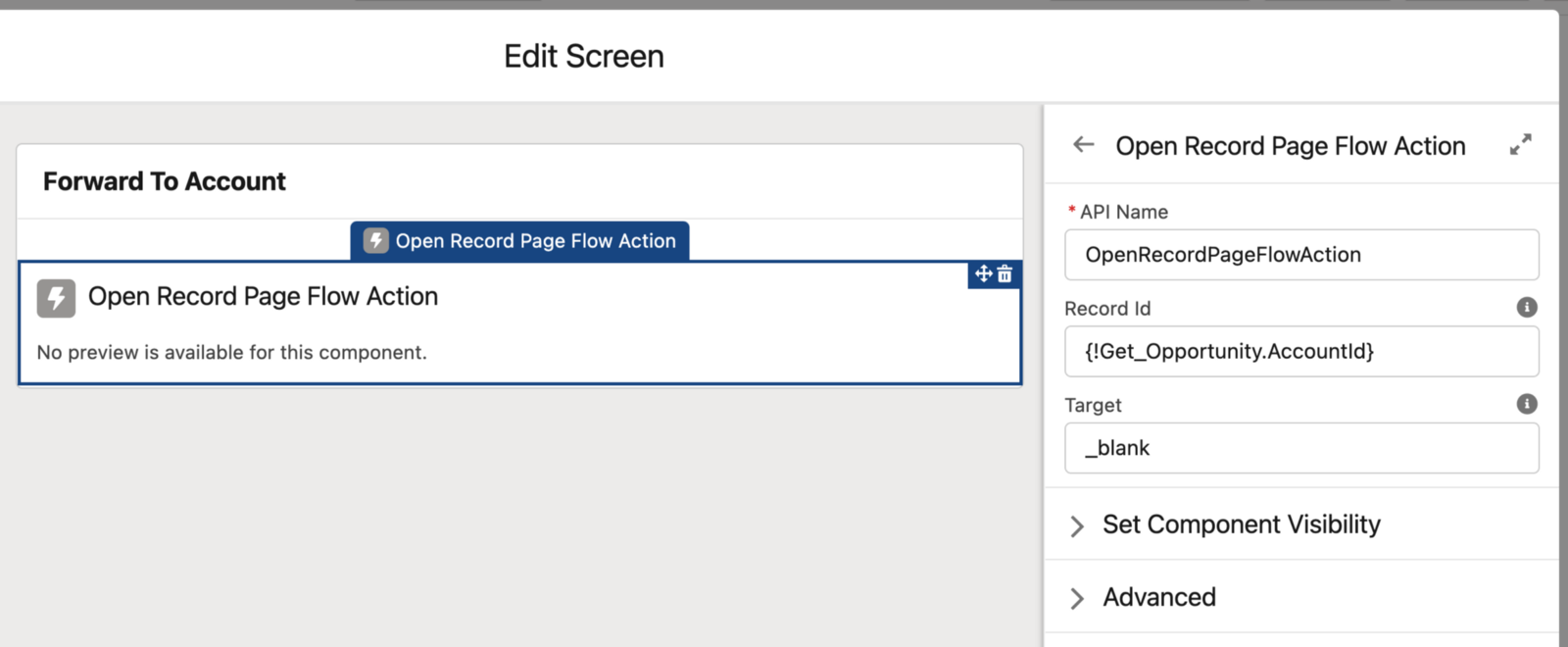
Component to forward to a record page from flow.
Available in: Flow Screen
Read on Medium

How to open a Record Page from Salesforce Flow using LWC
Attributes
| Name | Type | Default | Description |
|---|---|---|---|
| record-id | string | Record Id of the record page to which the action should forward. | |
| target | string | '_blank' | Open the page in the same '_self' or in a new tab '_blank '. |
Usage
html
<c-open-record-page-flow-action record-id={recordId} target="_blank"></c-open-record-page-flow-action>Add the component to a screen element in the Flow Builder and set the record-id input attribute to the Id of the target record. As soon as the screen is displayed, the component navigates to the record page - in the same tab ('_self') or a new tab ('_blank') depending on the target attribute.