
iFrame
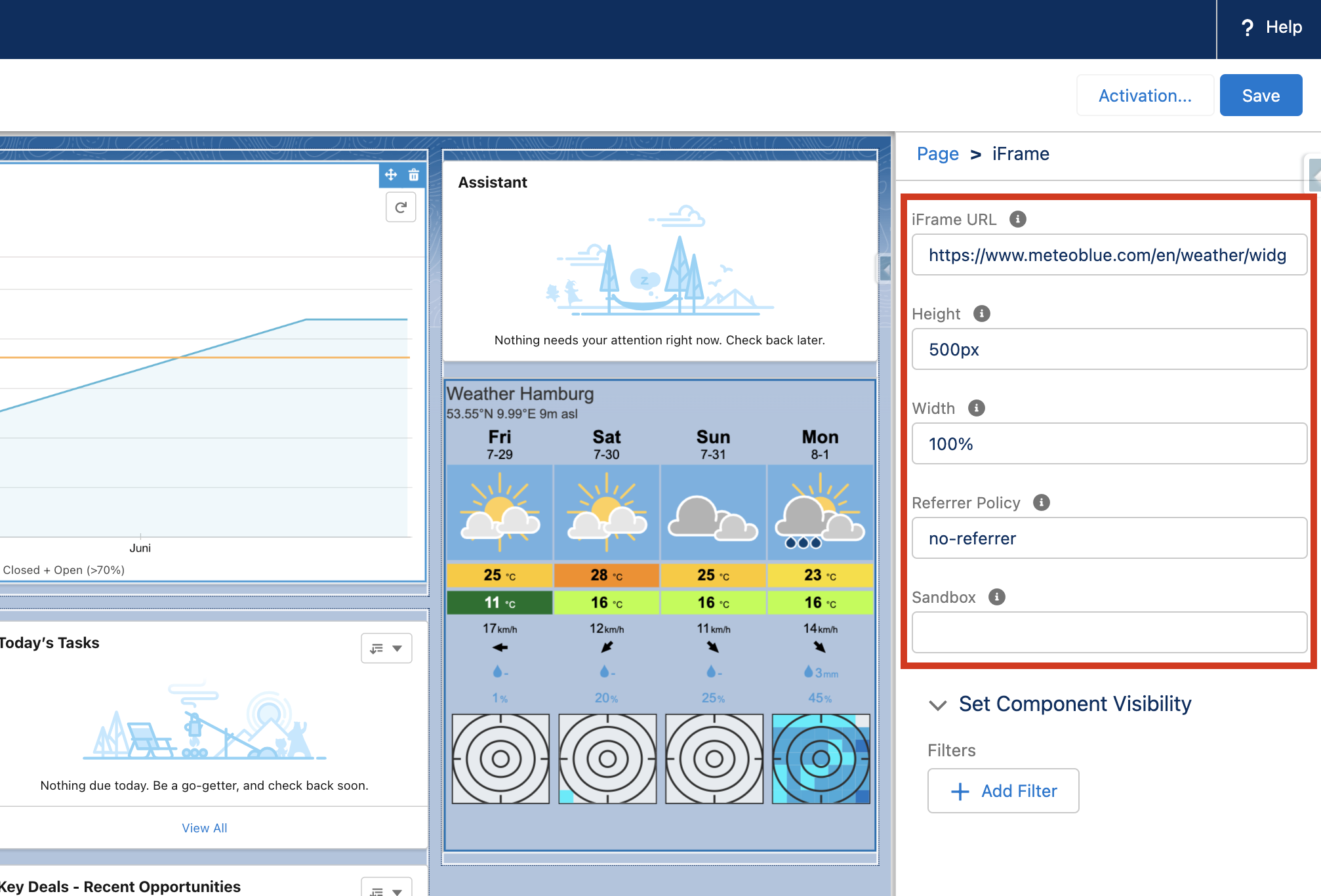
A custom iFrame component with different configuration options.
Available in: App Page · Home Page · Record Page · Flow Screen
Read on Medium
How to Build a Reusable iFrame with Lightning Web Components
Attributes
| Name | Type | Default | Description |
|---|---|---|---|
| height | string | '500px' | Specifies the height of the iframe. Default height is 500 pixels. |
| sandbox | string | '' | Enables an extra set of restrictions for the content in an iframe. |
| url | string | '' | Specifies the address of the document to embed in the iframe. |
| width | string | '100%' | Specifies the width of an iframe. Default width is 100 percent. |
Usage
html
<c-i-frame url="https://example.com/" height="600px" sandbox="allow-scripts allow-same-origin"></c-i-frame>Note that the target site must allow itself to be embedded in an iframe (X-Frame-Options / frame-ancestors). All attributes are also configurable in the Lightning App Builder, so no code is required to use the component.