
Custom Map View
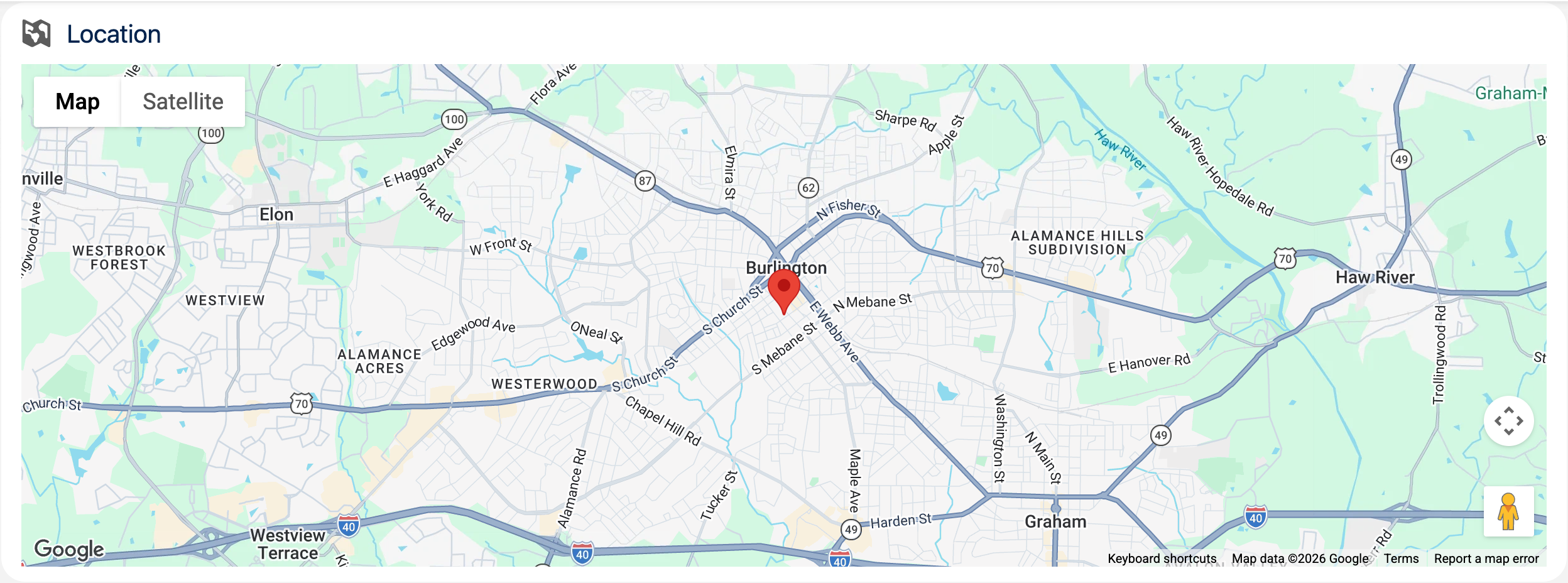
Configurable map component for displaying locations via Google Maps API.
Type: Component
Available in: Record Page
Read on Medium
How To Create a Generic and Reusable Custom Map View With LWC
Attributes
| Name | Type | Default | Description |
|---|---|---|---|
| record-id | string | If the component is used on a lightning record page, the page sets the property to the id of the current record. | |
| object-api-name | string | If the component is used on a lightning record page, the page sets the property to the API name of the current object. | |
| show-card | boolean | false | If present, the map is wrapped in a lightning card to fit better into the overall page layout. |
| card-icon | string | 'utility:location' | If show card option is active, the card icon is displayed in the header before the card title. It should contain the SLDS name of the icon. Specify the name in the format 'utility:down' where 'utility' is the category and 'down' the icon to be displayed. |
| card-title | string | '' | If show card option is active, the card title can include text and is displayed in the header above the map. |
| height | string | '400px' | Height of the map component in percent or pixels. The default is 400px. |
| width | string | '100%' | Width of the map component in percent or pixels. The default is 100%. |
| list-view | string | 'auto' | Displays or hides the list of locations. Valid values are visible, hidden, or auto. |
| zoom-level | string | Supports zoom levels from 1 to 20. If not specified, the component calculates a zoom level to accommodate the markers in the map. | |
| title-field | string | 'Name' | API name of the field that contains the location title. The default is the Name field. |
| city-field | string | API name of the field that contains the city. | |
| country-field | string | API name of the field that contains the country. | |
| postal-code-field | string | API name of the field that contains the postal code. | |
| state-field | string | API name of the field that contains the state. | |
| street-field | string | API name of the field that contains the street. |
Usage
html
<c-custom-map-view
  record-id={recordId}
  object-api-name="Account"
  title-field="Name"
  street-field="BillingStreet"
  city-field="BillingCity"
  postal-code-field="BillingPostalCode"
  country-field="BillingCountry"
  show-card
  card-title="Billing Address"
></c-custom-map-view>
The component is designed for Lightning record pages: drop it onto the page in the Lightning App Builder and map the address fields of the current object. The record-id and object-api-name attributes are set automatically by the record page.
Custom Labels
The texts users see are Custom Labels, so they can be translated in Setup with the Translation Workbench. Copy them together with the component.
| Name | Value |
|---|---|
| CustomMapView_ErrorLoadingLocations | Error loading location data |
| ErrorUtils_UnknownError | Unknown error |
Component Dependencies
| Name | Type | Description |
|---|---|---|
| errorUtils | LWC | Shared functions to read error messages and show error toasts. |